
7 Creator Tools Every YouTube Creator Should Be Using in 2026
Key Takeaways
- 1
Longform videos outperform shorts in raw engagement — the right production and analytics tools help you build the structure that sustains longer watch sessions.
- 2
Posting at the wrong hour costs you reach before a single viewer even sees your thumbnail — scheduling tools that surface your peak window are no longer optional.
- 3
Hook rate (the percentage of viewers who watch past the first 30 seconds) is the single metric that determines whether YouTube distributes your video — and dedicated analytics platforms now track it automatically.
- 4
The creators winning in 2026 are not the ones with the biggest budgets — they are the ones who replace guesswork with channel-specific data loops.
AI tools didn't arrive quietly. They landed in the middle of creative workflows and forced a choice: adapt or fall behind. Most creators who hesitated lost ground to those who didn't. The ones who leaned in early didn't just survive the shift — they became measurably more productive, faster. But embracing AI tools isn't enough on its own. The real advantage goes to creators who understand which tool solves which problem, and use each one with intention. That's what this article is about.
Why Generic Tool Lists Fail Creators in 2026
Every year, a new wave of "must-have tools" articles floods the internet. Most of them list the same broad software categories — an editor, a scheduler, a thumbnail maker — without connecting those tools to the specific decisions that actually move a channel forward. This article is different. Each tool below is chosen because it solves a measurable, documented problem: low hook rate (the percentage of viewers who watch past the first 30 seconds of a video), poor scheduling discipline, weak thumbnail CTR (click-through rate — the percentage of people who see your thumbnail and actually click it), and the absence of a real data feedback loop.
Before you invest time in any tool, read "3 YouTube Metrics That Actually Matter (And 2 That Are Just Vanity)" so you know which numbers you are actually optimizing for. Then come back here and match each tool to a real gap in your workflow.
1. AskLibra — Channel Analytics That Surface What Your Dashboard Hides
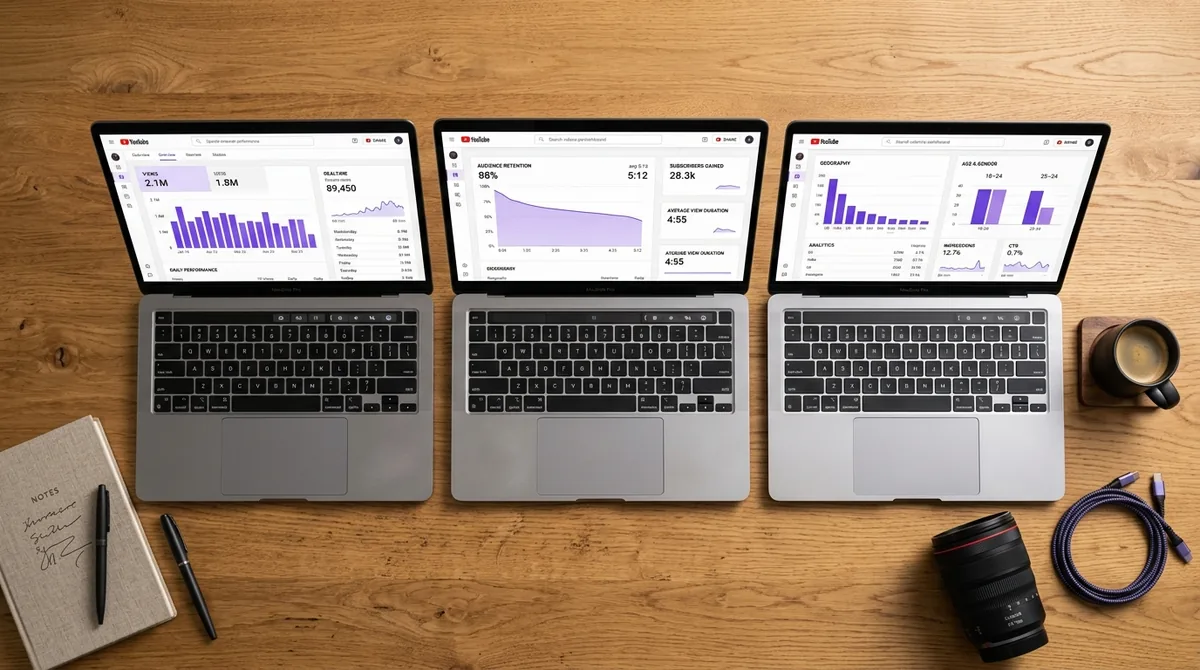
YouTube Studio gives you numbers. AskLibra tells you what those numbers mean for your specific channel. The platform connects directly to your channel data and surfaces patterns across your entire video library — not just your last ten uploads. Based on AskLibra data from 4 connected channels and 511 videos analyzed, longform content produces an average engagement rate of 0.0226, compared to 0.0109 for short-form — a gap that only becomes actionable when you can see it broken down by your own upload history, not an industry average.
AskLibra also tracks your VSAT (Viewer Satisfaction Score — a composite signal derived from likes, comments, shares, and low skip rates) over time, so you can see whether an upload genuinely resonated or just got lucky with a traffic spike. For a deeper look at how this kind of forward-looking analysis works, see "Predictive Social Analytics: How to Use Data to See What Your YouTube Channel Needs Before It Happens".
2. A Script-Structuring Tool With Hook Timing Built In
Your first 30 seconds determine whether YouTube distributes your video to the next tier of viewers. Hook rate is not a vanity metric — it is a distribution gate. A script-structuring tool that forces you to map your opening statement, your pattern interrupt, and your payoff promise before you start filming removes the guesswork from the part of the video that matters most.
Tools like Descript (with its script-first workflow) or even a well-configured Notion template with a timed hook checklist will do this job. The goal is not to write a script — it is to guarantee that your first 30 seconds contain a concrete reason for the viewer to stay. For the full breakdown of why this single metric controls your reach, read "Why Your YouTube Hook Rate Is Killing Your Reach".
3. A Thumbnail A/B Testing Tool — Not Just a Design Tool
Most creators treat thumbnails as a design problem. The real problem is a decision problem: which version of a thumbnail generates a higher CTR, and why? CTR measures the percentage of impressions that convert into clicks — and YouTube's algorithm uses it as a direct signal of whether your content deserves wider distribution.
Tools like TubeBuddy's A/B thumbnail testing feature or Clickbait (a dedicated thumbnail split-testing platform) let you run live experiments on real impressions rather than guessing based on aesthetics. The discipline here is to change only one variable per test — background color, face expression, text size — so you know what actually drove the lift. For the full picture on why CTR is not just a vanity metric but a channel growth lever, see "What is YouTube CTR and why does it control your channel's growth?"
4. A Retention Curve Reader — Inside YouTube Studio or Augmented
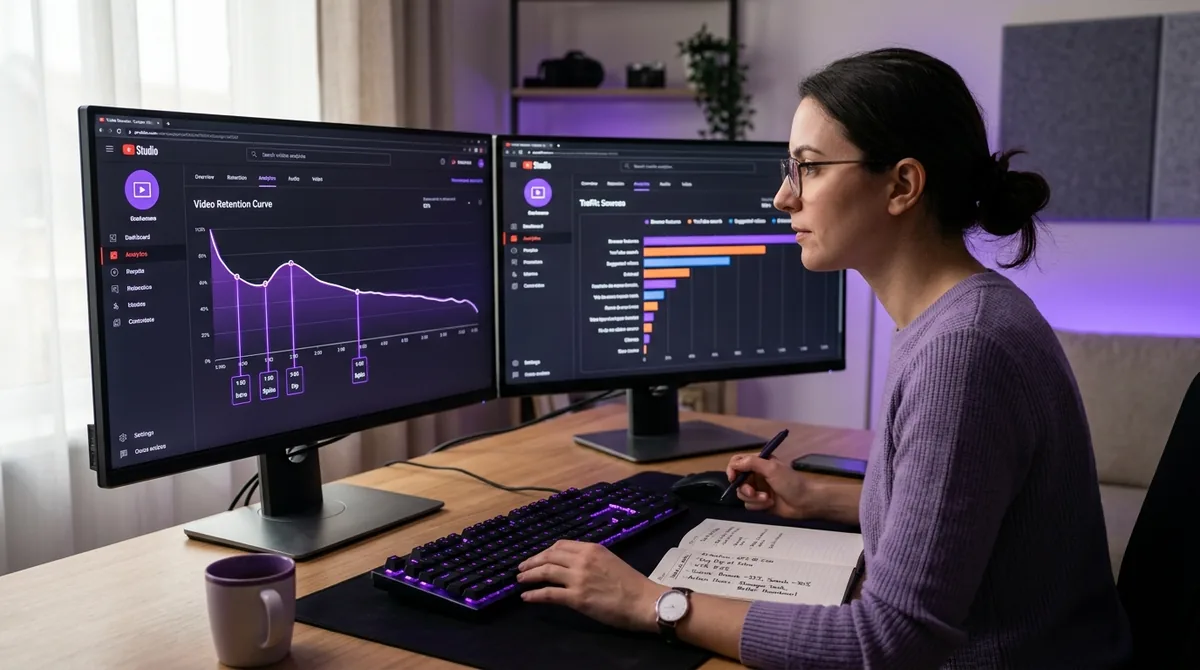
The retention curve is the graph inside YouTube Studio that shows the exact moment, second by second, when viewers stop watching your video. Every sharp drop on that curve is a specific decision you made — a slow transition, a bloated intro, a topic detour — that cost you audience. Reading that curve after every upload and logging the drop points in a simple spreadsheet is one of the highest-leverage habits a creator can build.
YouTube Studio provides the base retention data for free. Tools like VidIQ layer on top of it with comparative benchmarks, showing you whether your drop at the 2-minute mark is typical for your niche or a specific problem with that video. The goal is to build a 20-to-30-video data set that reveals your personal retention patterns — not just one-off anomalies. The structured process for building that data set is laid out in "The 20-30 Video 'Data Feedback' Loop: How to Turn Your First Month of Uploads into a Growth Roadmap".
5. A Topic Clustering Planner
YouTube's algorithm rewards channels that own a topic neighborhood — a tightly connected set of videos that collectively signal authority on a subject. A topic clustering planner helps you map out that neighborhood before you film, so each upload reinforces the ones before it rather than competing with them for the same search query.
Tools like Ahrefs (for keyword clustering), a custom Notion database sorted by topic pillar, or even a physical whiteboard with color-coded topic branches all serve this function. The critical discipline is to plan your next five videos as a cluster, not as five unrelated uploads. For the strategic framework behind this approach, read "Topic Clustering and Content Neighborhoods: How to Organize Your YouTube Channel for Algorithmic Authority".
6. A Scheduling Tool That Surfaces Your Peak Posting Window
Posting at the wrong hour is a quiet channel killer. When you publish outside your audience's active window, your video accumulates low early engagement — and YouTube's algorithm interprets low early engagement as a signal that the video is not worth distributing. A scheduling tool that pulls your channel's historical engagement data and identifies your actual peak hour removes this variable entirely.
Platforms like Later, Publer, or the scheduling layer inside TubeBuddy all offer this functionality. The key is to use your own channel's historical data — not platform-wide averages — to set your posting window. Then lock it in and hold it consistently across your next 20 uploads so you can measure its effect in isolation.
7. A Comment Sentiment Tracker
Comment sections contain some of the most valuable data a creator has access to — and almost nobody reads them systematically. A comment sentiment tracker processes your comment volume at scale and surfaces the emotional tone, recurring questions, and most-mentioned topics inside your community. This is not about monitoring for negativity. It is about mining your audience's own words for your next video topic, your next thumbnail phrase, and your next hook.
Tools like Brand24, Mentionlytics, or the comment analysis layer inside some social listening platforms can do this at volume. For smaller channels, a manual weekly review of your top-comment threads — logged in a simple document — achieves the same outcome. The strategic importance of deep comment engagement as an authority signal is detailed in "The 'Deep Reply' Weight: How Meaningful Comment Engagement Signals Channel Authority".
Building a Stack, Not a Collection
The mistake most creators make is treating tools as individual purchases rather than as an integrated workflow. A thumbnail tester without a CTR tracker is decoration. A script tool without a retention curve reader is guesswork. The seven tools above are chosen because they connect to each other — each one feeds data into the next decision point in your content cycle.
For a broader catalog of the platforms shaping creator workflows this year, see "Creator Tools You Cannot Ignore in 2026: The Definitive List (Including AskLibra)". And if you are building a content strategy from the ground up rather than patching an existing one, "The Death of the 'Viral Hack'" explains why sustainable channel growth in 2026 is a systems problem, not a luck problem.
Frequently Asked Questions
What is hook rate and why does it matter more than view count?
Hook rate is the percentage of viewers who watch past the first 30 seconds of your video. YouTube uses it as an early distribution signal — a high hook rate tells the algorithm that your content is worth showing to more people, regardless of your subscriber count. View count tells you how many people arrived; hook rate tells you whether they stayed long enough for the video to matter.
Do I need to use all seven tools at once?
No. Start with an analytics platform that reads your existing channel data (AskLibra is built for this), then add a thumbnail testing tool once you have baseline CTR numbers to improve against. Layer in the remaining tools one at a time over your first 20-30 uploads so you can isolate the effect of each change.
What is a retention curve and how do I use it to improve my videos?
A retention curve is the second-by-second graph inside YouTube Studio that shows when viewers stop watching your video. After each upload, screenshot the curve and log the timestamp and likely cause of every significant drop. After 10 videos, patterns emerge — recurring drop points that reveal structural problems in your content, not just individual video mistakes.
Is longform or short-form content better for engagement in 2026?
Based on AskLibra data from 511 videos analyzed, longform content produces an average engagement rate of 0.0226 versus 0.0109 for short-form. However, the right format depends on your niche and audience behavior — use your own channel's retention and engagement data to make that call, not platform-wide averages. For a tactical guide to short-form specifically, see "Short-Form Learning (Micro-Lessons): The Creator's Guide to Teaching in 60 Seconds or Less".
How does topic clustering help my channel rank faster?
YouTube's recommendation system favors channels that consistently cover a tight subject area because it can confidently predict what a viewer will want next after watching one of your videos. When your uploads form a connected cluster — each video referencing and reinforcing adjacent topics — the algorithm treats your channel as an authority source and surfaces it more frequently in suggested feeds and search results.
Ready to see what the data says about your channel?
Stop guessing. Use AskLibra to get a personalized 90-day growth gameplan and find your perfect posting window.
No credit card required • Join 2,000+ creators